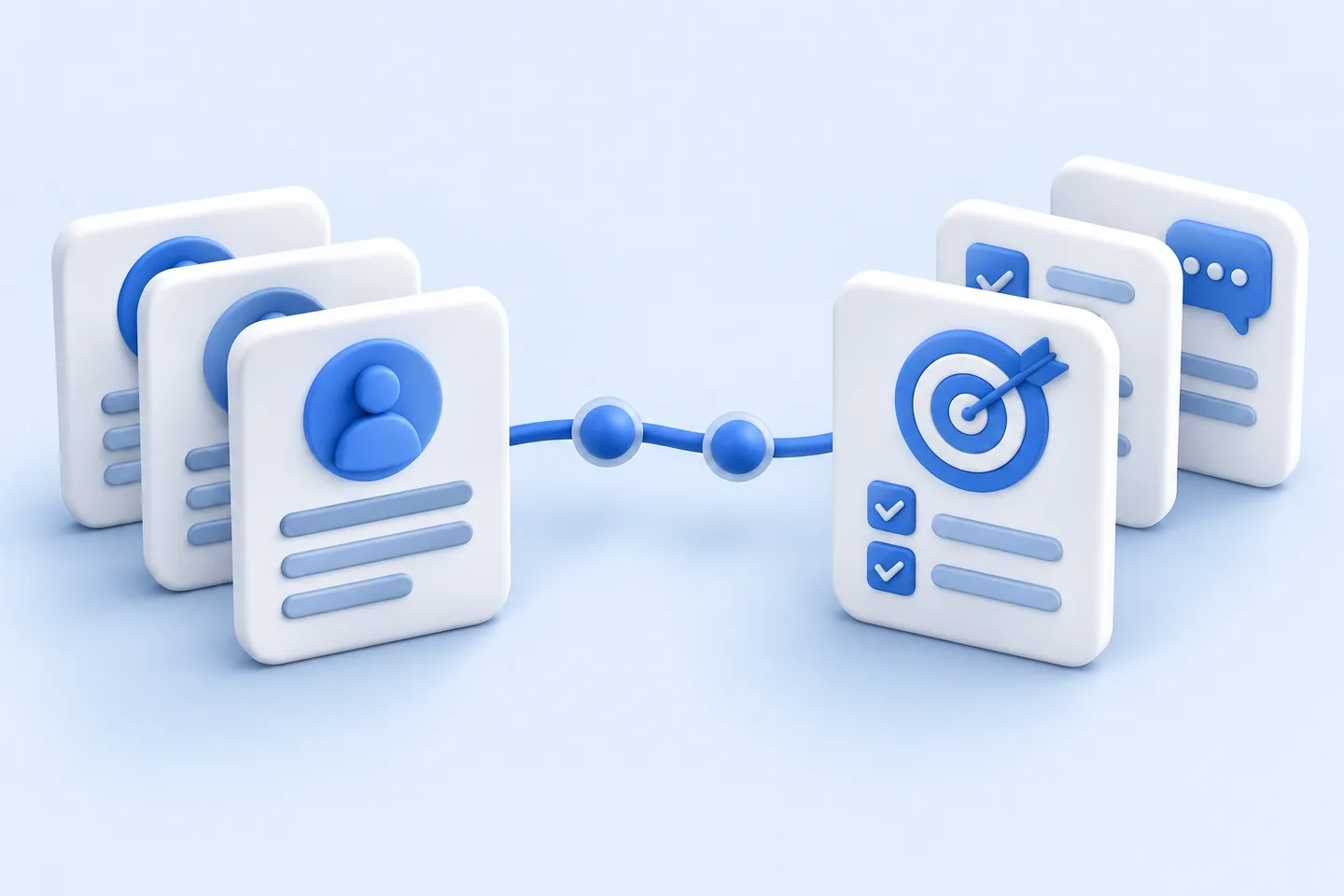
An employee record and a performance review concern the same person, but they answer different questions. The record establishes who is employed, in which role, under which manager and from what date. A performance process asks what work was agreed, how it is progressing, what feedback was given and what support comes next. Confusing those jobs can leave an organisation with duplicated records, awkward review workflows or sensitive notes in the wrong system.
In an HRIS vs performance management system comparison, ask which system owns each piece of information, what must move between them and whether a suite module supports the actual review process. The categories can be bought separately or combined; their responsibilities still need definition.
Start with two distinct jobs
A human resources information system, or HRIS, holds core employee and organisational data. This commonly includes employment status, job title, department, manager, location and important employment dates. Other HR tools may use those records, but changes to the authoritative record should follow an agreed HR process. SHRM distinguishes core HRIS records from specialist tools for performance, engagement and analytics, while noting that broader suites may combine them.
Performance management software supports a continuing management practice: setting objectives, discussing progress, recording feedback, conducting reviews and agreeing development. CIPD describes performance management as a group of practices, with regular discussions at its centre. A review form may document a decision, but completing the form is not the whole job.
This distinction gives each system a sensible boundary. HR should be able to correct an employee’s manager or effective date without editing a performance note. A manager should be able to revise an objective without changing the employee’s contractual record. If a review informs a promotion or pay decision, that decision needs a controlled route into the relevant HR or payroll process; a comment in a review should not silently become an approved employment change.
Write a requirements matrix before viewing products
For each requirement, name the authoritative system and the information that may cross its boundary. “Integrated” is too vague to test. A useful specification states which fields move, in which direction, when they move and who resolves an error.
- Employee identity, status, role and manager: Keep the HRIS authoritative. Send the performance tool only the fields it needs, with effective dates. Test what happens to an open review when someone leaves, returns or changes manager.
- Goals, feedback and development actions: Keep these in the performance system or suite module. Test whether a goal can be revised without losing its earlier wording, and whether access to review notes remains appropriately limited.
- Reports: Define the permitted fields and audience. Check whether an overdue review can be distinguished from a review for someone who was ineligible.
- Approved job or pay changes: Route these through HR or payroll according to policy. Test whether a proposed change can be rejected without altering the employment record.
This is a working design, not a universal rule. An organisation may keep development plans in a learning system or payroll data in a separate system. Give each field one named owner and each exception a route to resolution; duplicate manager records can otherwise create conflicting access and reports.
Test the integration where work changes
The most revealing cases are rarely a straightforward new hire. Ask suppliers to demonstrate a transfer between departments, a future-dated change of manager, a cancelled hire, an extended absence and a departing employee with an unfinished review. Show who retains access to historical notes, who receives new tasks and how a failed transfer is reported. A connection that works only when every record is complete and current is not yet a dependable process.
Agree the direction of each data flow. The HRIS might send an employee identifier, active status, role and manager to a specialist performance tool. The performance tool might return review completion or an approved outcome for reporting. It need not send every draft comment back to the HRIS. Specify whether updates are immediate or scheduled, how duplicate identities are detected and which team investigates a mismatch. Keep the technical mapping beside the policy that explains why each field is shared.
Analytics also need boundaries. A completion dashboard may need employee status and review dates; it may not need the full text of feedback. A report comparing outcomes across departments needs consistent definitions and an appropriate audience. Check what happens when a person changes teams during a review period, and whether reports preserve that context instead of assigning all earlier work to the new manager.
When does a suite module fit?
A suite module can be a good fit when the organisation has a relatively consistent review process and the module supports its goals, check-ins, permissions and history without extensive workarounds. Shared identity and employee records may simplify administration. That benefit should be demonstrated through real tasks, not assumed from a shared product name.
Module availability varies by plan. BambooHR’s published plan comparison, for example, places employee records in Core and performance management in Pro. Treat that as an illustration of how features can be packaged, not a reason to choose the product. Confirm the current plan contents and test permissions, history and reporting in the proposed setup.
A specialist tool may fit better when teams need substantially different goal structures, frequent check-ins, detailed development workflows or review methods the existing HR suite cannot support well. It can also allow the organisation to improve performance practice without replacing an otherwise dependable HRIS. The extra product brings extra integration, access and support work, however. Compare that work with the value of the additional capability rather than treating either a single suite or a specialist stack as the default answer.
If the current HRIS is also under review, avoid making the performance decision in isolation. A specialist product selected around the existing data feed may need remapping after an HRIS replacement. Record which interfaces, identifiers and exports would survive a change on either side. The strongest architecture is one whose responsibilities remain understandable even if a supplier changes.
Ask privacy and exit questions early
Performance records can contain sensitive judgements, disputed accounts and development needs. Define who may create, read, correct and export each type of record. Test access for an employee, their current manager, a former manager, HR and an administrator. A permission label such as “manager access” is insufficient if it exposes notes from another team or a prior reporting relationship.
Ask what information is collected, for what purpose and for how long. Confirm where records and backups are held, how audit logs work, how permissions change after a transfer and how data is deleted at the end of its retention period. These questions cover more than security against intrusion: NIST’s Privacy Framework treats privacy risk across the full life of data, from collection through disposal. Apply that view to integrations as well as to the primary product.
Plan the exit before signing. Request a sample export of employee identifiers, goals, review forms, feedback, development actions, attachments and their dates. Check whether the export preserves relationships and history in a usable format, whether permissions or audit information can be retrieved, and how long the supplier will make data available after the contract ends. A spreadsheet of final ratings is not a substitute for the records needed to understand how decisions were reached.
Make the purchase decision with a scripted demonstration
Give every shortlisted supplier the same scenarios. Have an employee propose a goal, a manager revise it with an explanation, both parties record a check-in, and HR run a report that excludes ineligible workers. Then change the employee’s manager during the cycle. Ask the supplier to show the resulting access, history, integration messages and exception handling in the product itself.
Score the results against the requirements matrix. Separate capabilities available now from configuration work and proposed features. Include implementation effort, training, support, migration, integration maintenance and the cost of any required module in the comparison. A polished review screen cannot compensate for an unreliable employee record; a dependable HRIS cannot compensate for a review process that managers and employees cannot use.
When comparing HR software subscriptions, keep plan limits and billing conditions beside each quoted amount; dated SaaS pricing records can help document that comparison, but a supplier quote remains necessary for the configuration your team needs.